InsightPilot AI — Natural Language Analytics for OpenCart 4
InsightPilot AI — Data Assistant
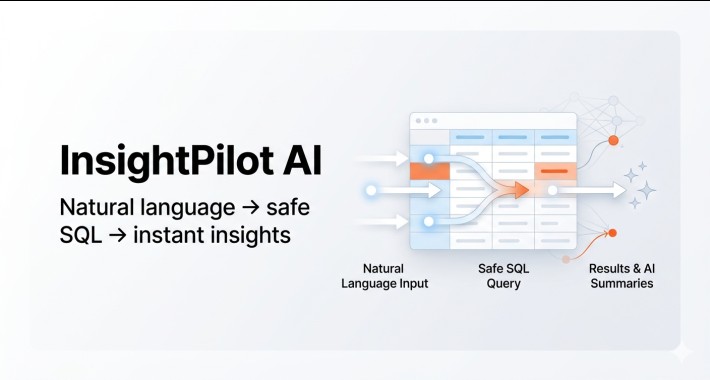
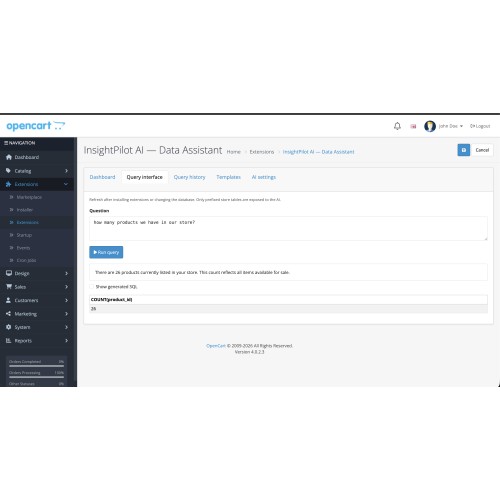
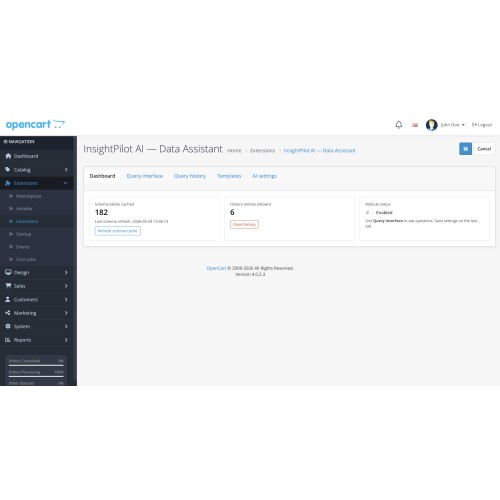
Turn everyday questions into answers from your own OpenCart data. In admin, ask in plain English; the extension uses your chosen AI provider to generate read-only SELECT SQL against your store schema, validates it, runs it safely, and returns a short summary plus a results table—without exposing your database to ad-hoc writes or DDL.
Ideal for
Key features
Requirements
Installation (summary)
Security note
The module is designed for read-only analytics-style use inside admin. SQL is validated against the cached schema; only SELECT is allowed. You remain responsible for who has module permissions and for provider API usage and costs.
Support & author
Developed by eRevolutions India.
https://erevolutionsindia.com
Support: [email]contact@erevolutionsindia.com[/email]
Version 1.0.0 · OpenCart 4 · Extension code: insightpilotai
Turn everyday questions into answers from your own OpenCart data. In admin, ask in plain English; the extension uses your chosen AI provider to generate read-only SELECT SQL against your store schema, validates it, runs it safely, and returns a short summary plus a results table—without exposing your database to ad-hoc writes or DDL.
Ideal for
- Merchants and agencies who want quick reporting without writing SQL
- Support and operations teams exploring order, product, and customer data from admin
- Stores that already use OpenAI, Google Gemini, or an OpenAI-compatible API
Key features
- Natural language → SQL → grid — Question in, validated query, rows and an optional AI summary
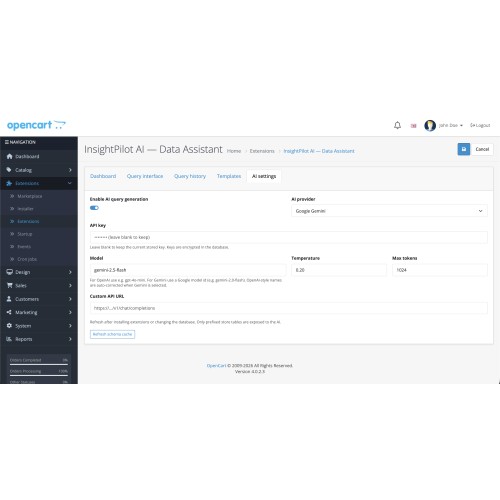
- Multiple AI backends — OpenAI, Google Gemini, or custom OpenAI-compatible chat-completions URL
- Schema cache — Only prefixed store tables from a controlled scan are visible to the model
- Strict safety — SELECT-only, single statement, enforced LIMIT (max 100), no destructive statements
- Encrypted API keys — Keys stored encrypted in the database (AES-GCM; uses your store encryption material)
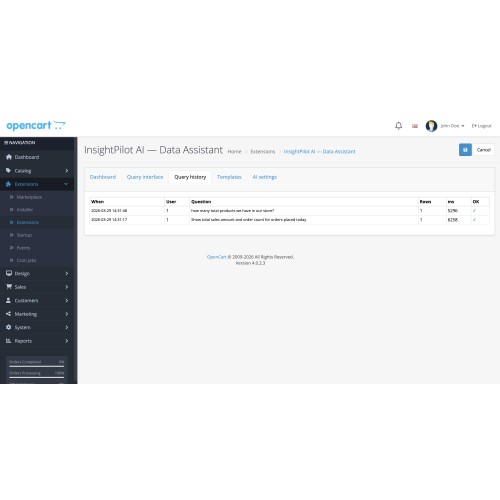
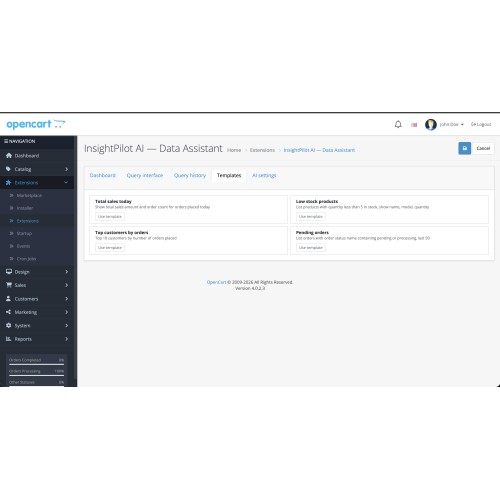
- Admin UI — Dashboard, query tab, history, starter templates, and AI settings in one module
- Sensible errors — User-friendly messages for quota/auth/network issues; details can be logged for admins
- Clean uninstall — Uninstall removes module settings and extension data tables
Requirements
- OpenCart 4.0.x
- PHP 8.0+ with curl
- openssl recommended (API key encryption)
- MySQL or MariaDB
- A valid API key from your AI provider; paid or billing-enabled plans are recommended—free tiers often hit strict quotas unsuitable for regular use
Installation (summary)
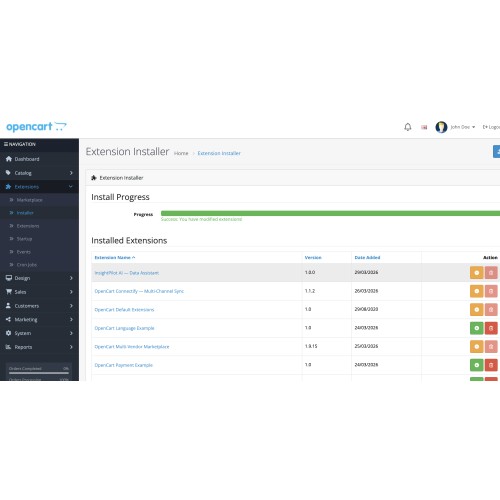
- Upload the package via Extensions → Installer
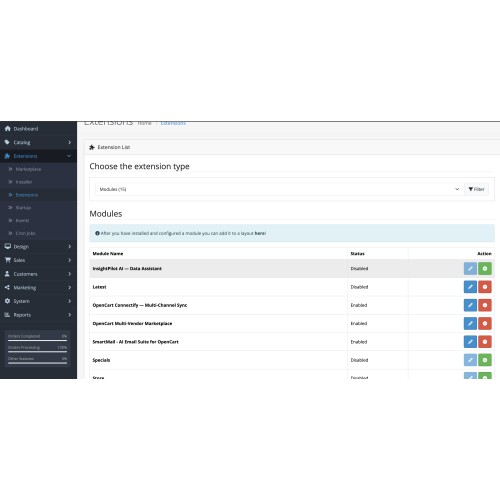
- Extensions → Extensions → Modules — install InsightPilot AI, then open Edit
- Grant your admin group access and modify for extension/insightpilotai/module/insightpilot
- Open the module → AI settings — choose provider, enter API key, set model, enable AI, Save
- Use Refresh schema cache before first queries
- Ask questions on the Query interface tab and run the query
Security note
The module is designed for read-only analytics-style use inside admin. SQL is validated against the cached schema; only SELECT is allowed. You remain responsible for who has module permissions and for provider API usage and costs.
Support & author
Developed by eRevolutions India.
https://erevolutionsindia.com
Support: [email]contact@erevolutionsindia.com[/email]
Version 1.0.0 · OpenCart 4 · Extension code: insightpilotai
Price
$29.00
- Developed by OpenCart Community
- Documentation Included
Rating
Compatibility
4.x.x.x, 4.0.0.0, 4.0.1.0, 4.0.1.1, 4.0.2.0, 4.0.2.1, 4.0.2.2, 4.0.2.3, 4.1.0.0, 4.1.0.1, 4.1.0.2, 4.1.0.3
Last Update
10 Apr 2026
Created
29 Mar 2026
0 Sales
0 Comments

Login and write down your comment.
Login my OpenCart Account