Customer Product Assignment

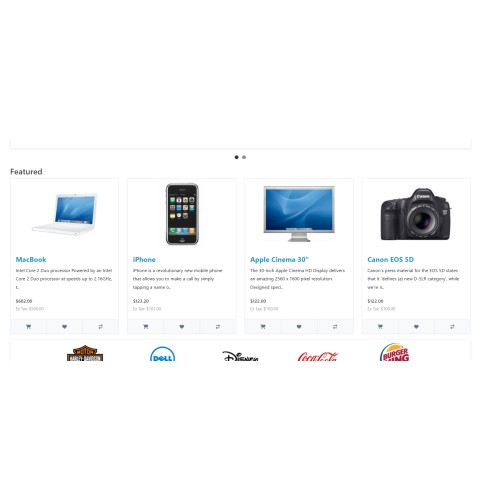
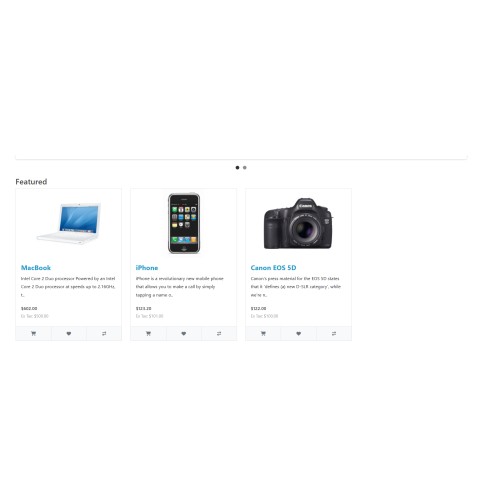
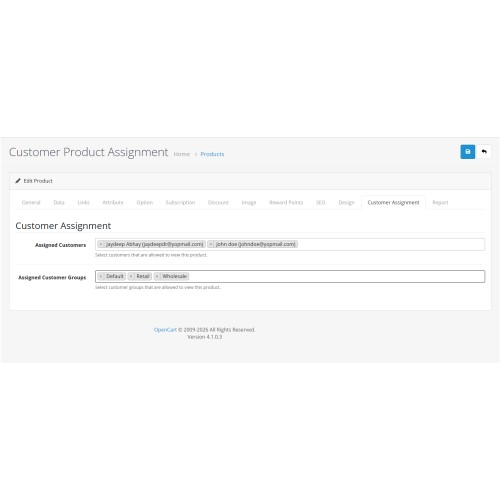
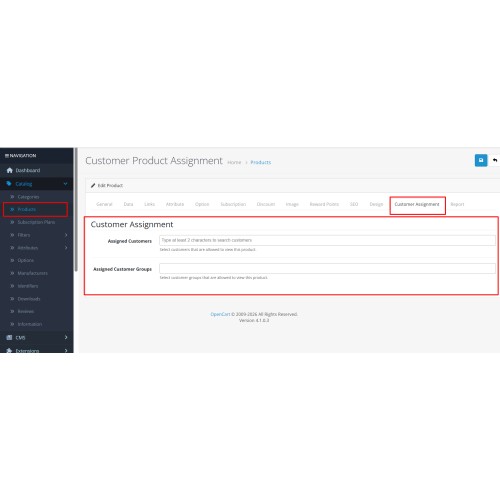
Assign individual catalog products to specific customers and (optionally) customer groups, then enforce who can see those products on the storefront. Unassigned products can stay public (flexible mode), or you can use a stricter rule set for logged-in customers only. Assignment is managed from the product edit screen via a Customer Assignment tab, with customer search and optional group selection when group support is enabled.
Benefits of using this extension
Per-product control — Decide exactly which customers (and optionally which groups) may view a product, instead of one rule for the whole catalog.
Guest and logged-in rules — In flexible mode, products with assignments are hidden from guests and from customers who are not on the list; products with no assignments remain public.
Two visibility modes — Flexible (assigned customers see restricted products; everyone else sees only “public” products) vs Strict (stricter visibility for logged-in users; guests effectively see no restricted catalog behavior as designed for that mode).
Optional customer groups — Turn on group support when you want “all wholesale customers” (or similar) to see a product without naming each account.
Integrated admin UX — Assignments live on the product form with search-based customer selection; no need to maintain a separate spreadsheet outside OpenCart.
No core file edits for admin — Admin product UI and save logic use events; storefront filtering uses catalog model events so visibility works reliably; OCMOD remains available as an extra SQL-level layer after Modifications → Refresh if you use it.
Installation and setup steps
Upload via Installer
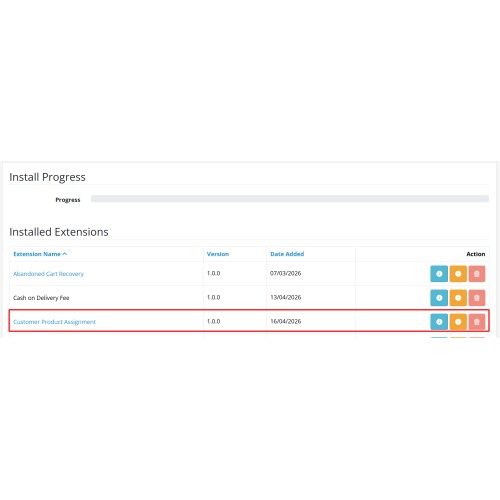
In admin: Extensions → Installer → upload the zip → wait for success.
Refresh modifications (recommended if you use OCMOD)
Extensions → Modifications → Refresh
This applies the optional customer_product_assignment.ocmod.xml patch to the catalog product model for SQL-level filtering. Catalog events still enforce rules if you skip this step, but refreshing keeps behavior aligned with the packaged OCMOD.
Install the module
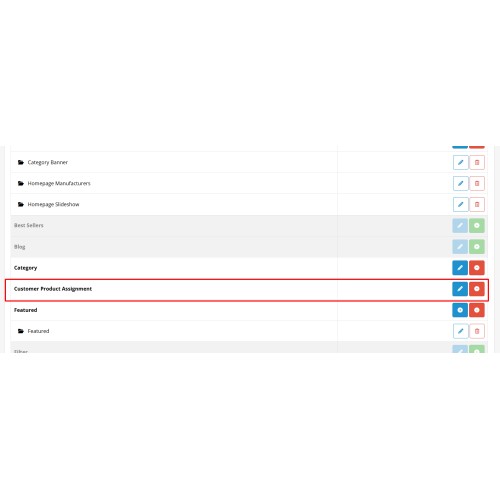
Extensions → Extensions → choose type Modules → find Customer Product Assignment → Install.
Configure settings
Open Edit on the module and set:
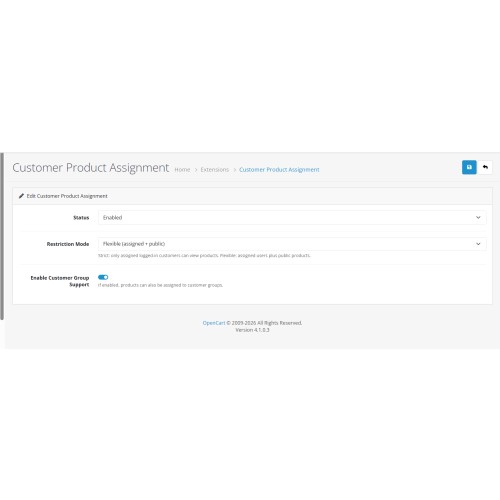
Status — Enabled to activate visibility logic and assignments.
Restriction mode — Flexible or Strict (see language strings / help text in admin).
Enable customer group support — On only if you need group-based assignment on the product tab.
Register events (first open after install/upgrade)
Open the module’s settings page once after install or upgrade so missing admin and catalog events can self-register if needed.
Assign products
Catalog → Products → edit a product → tab Customer Assignment → choose customers (and groups if enabled) → Save.
Verify on the storefront
Test as a guest, a non-assigned customer, and an assigned customer. Clear or wait out catalog cache if your store uses aggressive caching and you do not see changes immediately.
Benefits of using this extension
Per-product control — Decide exactly which customers (and optionally which groups) may view a product, instead of one rule for the whole catalog.
Guest and logged-in rules — In flexible mode, products with assignments are hidden from guests and from customers who are not on the list; products with no assignments remain public.
Two visibility modes — Flexible (assigned customers see restricted products; everyone else sees only “public” products) vs Strict (stricter visibility for logged-in users; guests effectively see no restricted catalog behavior as designed for that mode).
Optional customer groups — Turn on group support when you want “all wholesale customers” (or similar) to see a product without naming each account.
Integrated admin UX — Assignments live on the product form with search-based customer selection; no need to maintain a separate spreadsheet outside OpenCart.
No core file edits for admin — Admin product UI and save logic use events; storefront filtering uses catalog model events so visibility works reliably; OCMOD remains available as an extra SQL-level layer after Modifications → Refresh if you use it.
Installation and setup steps
Upload via Installer
In admin: Extensions → Installer → upload the zip → wait for success.
Refresh modifications (recommended if you use OCMOD)
Extensions → Modifications → Refresh
This applies the optional customer_product_assignment.ocmod.xml patch to the catalog product model for SQL-level filtering. Catalog events still enforce rules if you skip this step, but refreshing keeps behavior aligned with the packaged OCMOD.
Install the module
Extensions → Extensions → choose type Modules → find Customer Product Assignment → Install.
Configure settings
Open Edit on the module and set:
Status — Enabled to activate visibility logic and assignments.
Restriction mode — Flexible or Strict (see language strings / help text in admin).
Enable customer group support — On only if you need group-based assignment on the product tab.
Register events (first open after install/upgrade)
Open the module’s settings page once after install or upgrade so missing admin and catalog events can self-register if needed.
Assign products
Catalog → Products → edit a product → tab Customer Assignment → choose customers (and groups if enabled) → Save.
Verify on the storefront
Test as a guest, a non-assigned customer, and an assigned customer. Clear or wait out catalog cache if your store uses aggressive caching and you do not see changes immediately.
Download
- Developed by OpenCart Community
- 12 Months Free Support
- Documentation Included
Rating
Compatibility
4.x.x.x, 4.0.0.0, 4.0.1.0, 4.0.1.1, 4.0.2.0, 4.0.2.1, 4.0.2.2, 4.0.2.3, 4.1.0.0, 4.1.0.1, 4.1.0.2, 4.1.0.3
Last Update
22 May 2026
Created
18 Apr 2026
6 Downloads
1 Comments

Login and write down your comment.
Login my OpenCart Account