PayBito Pay for OpenCart
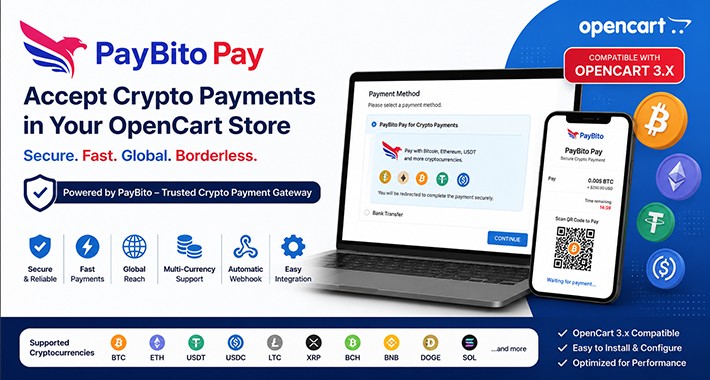

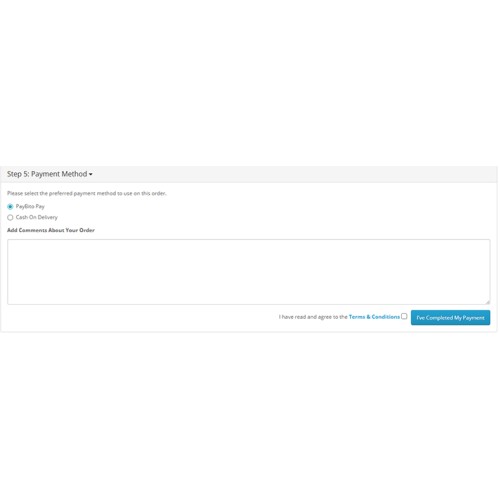
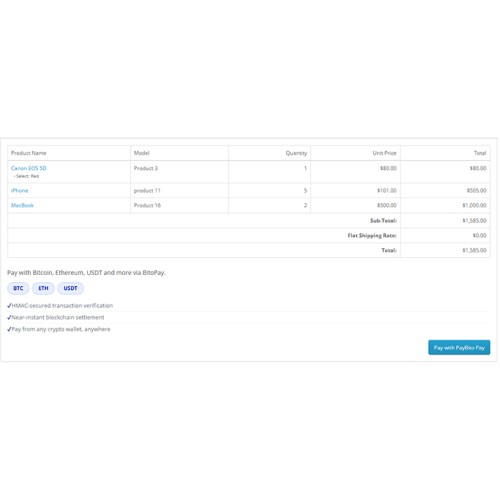
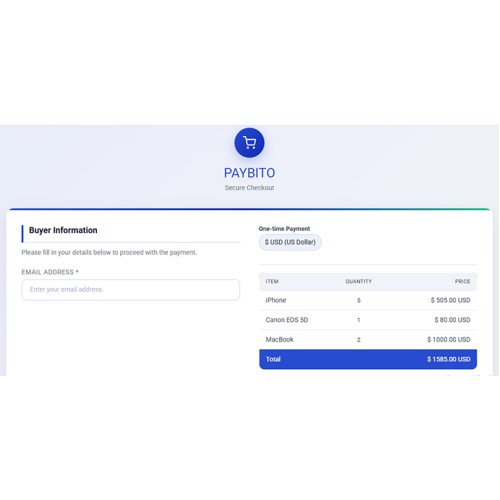
PayBito Pay for OpenCart allows merchants to accept cryptocurrency payments securely through the PayBito payment gateway.
Customers can pay using Bitcoin (BTC), Ethereum (ETH), USDT, USDC, Litecoin (LTC), XRP, BNB, DOGE, SOL and more.
Documentation | Live Demo
Features:
* Admin settings
* Secure hosted crypto checkout
* Automatic webhook order updates
* HMAC signature verification
* Multi-coin support
* OpenCart 3.x compatible
* Debug logging support
* Easy installation and configuration
Installation Guide:
*Login to your OpenCart admin panel.
*Go to Extensions → Installer.
*Upload the file: bitopay.ocmod.zip.
*Go to Extensions → Modifications and click Refresh.
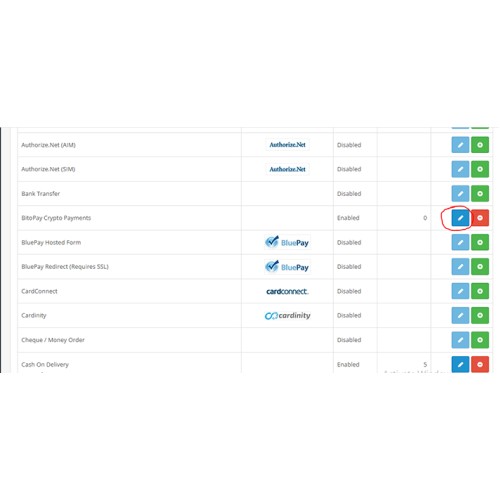
*Go to Extensions → Extensions → Payments.
*Find PayBito Pay for Crypto Payments and click Install.
*Click Edit to configure the module.
Configuration:
*Go to Extensions → Payments → PayBito Pay → Edit.
*Enter your PayBito API Key.
*Enter your Webhook Secret.
*Enable the payment method.
*Set order statuses (Pending, Confirmed, Failed).
*Save changes.
Webhook Setup:
*Go to your PayBito Merchant Dashboard.
*Navigate to Webhooks.
*Add a new webhook URL: https://yourstore.com/index.php?route=extension/payment/bitopay/webhook
Requirements:
*OpenCart 3.x
*PHP 7.2 or higher
*cURL enabled
Customers can pay using Bitcoin (BTC), Ethereum (ETH), USDT, USDC, Litecoin (LTC), XRP, BNB, DOGE, SOL and more.
Documentation | Live Demo
Features:
* Admin settings
* Secure hosted crypto checkout
* Automatic webhook order updates
* HMAC signature verification
* Multi-coin support
* OpenCart 3.x compatible
* Debug logging support
* Easy installation and configuration
Installation Guide:
*Login to your OpenCart admin panel.
*Go to Extensions → Installer.
*Upload the file: bitopay.ocmod.zip.
*Go to Extensions → Modifications and click Refresh.
*Go to Extensions → Extensions → Payments.
*Find PayBito Pay for Crypto Payments and click Install.
*Click Edit to configure the module.
Configuration:
*Go to Extensions → Payments → PayBito Pay → Edit.
*Enter your PayBito API Key.
*Enter your Webhook Secret.
*Enable the payment method.
*Set order statuses (Pending, Confirmed, Failed).
*Save changes.
Webhook Setup:
*Go to your PayBito Merchant Dashboard.
*Navigate to Webhooks.
*Add a new webhook URL: https://yourstore.com/index.php?route=extension/payment/bitopay/webhook
Requirements:
*OpenCart 3.x
*PHP 7.2 or higher
*cURL enabled
Download
- Developed by OpenCart Community
- Documentation Included
Rating
Compatibility
3.0.5.0
Last Update
26 May 2026
Created
30 Apr 2026
0 Downloads
0 Comments

Login and write down your comment.
Login my OpenCart Account