Universal Shipping Description with Summernote Editor
Universal Shipping Description with Summernote Editor
Version: 0.0.1
Author: Fabrikator
Compatibility: OpenCart 3.0.x (tested on 3.0.5.0)
Description
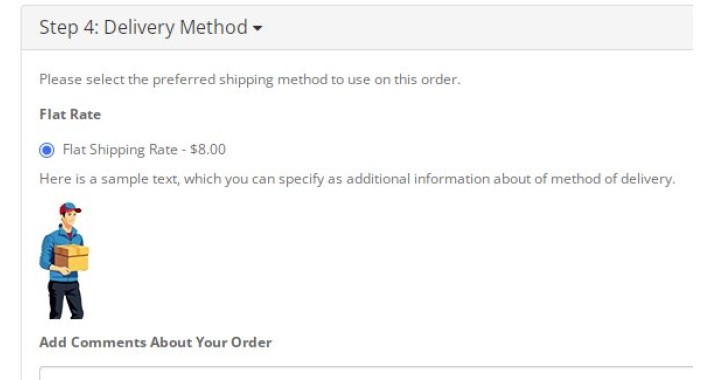
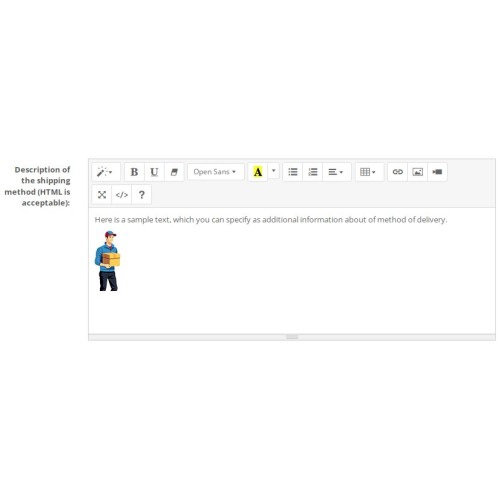
This module adds a full HTML description field with a Summernote WYSIWYG editor to every shipping method. You can now place any additional information – text, images, links, tables, videos, and more – right under the shipping method title during checkout.
Works exactly like the popular "Universal Payment Description" module, but fully adapted for shipping methods. No core file modifications – everything is done via OCMOD.
Features
Summernote Editor – a lightweight, intuitive visual editor inside each shipping method settings page.
Individual descriptions – set unique HTML content for every active shipping method (Flat Rate, Free Shipping, Pickup, etc.).
Multi-language ready – Summernote interface language automatically switches to match the admin’s language (English, Russian, and others supported out of the box).
Smart output – description is only displayed if it contains meaningful content (empty <p><br></p> is ignored).
OCMOD only – no core files are touched; easy to install, easy to remove.
Theme independent – inserts into the default checkout template; easily adaptable to any custom theme.
Zero conflicts – fully independent code; can be used alongside the "Universal Payment Description" module without issues.
Installation
Download the module archive.
Go to your OpenCart admin → Extensions → Installer.
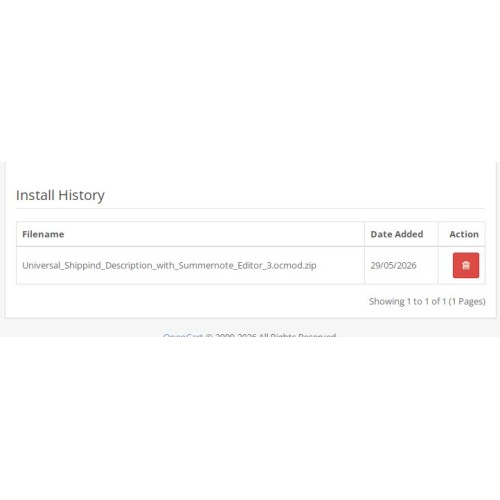
Click Upload and select universal_shipping_description_summernote_3.ocmod.zip.
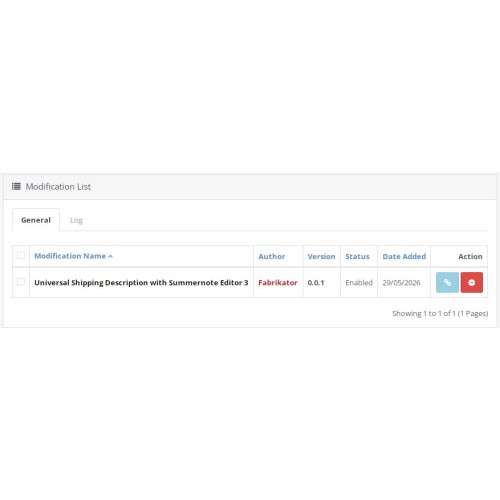
After upload, go to Extensions → Modifications and click the Refresh button (blue icon).
Clear your store cache (Dashboard → Clear Cache).
Configure descriptions: go to Extensions → Shipping, edit any shipping method, and fill in the "Description of the shipping method" field.
Usage
Open any active shipping method (e.g., Flat Rate).
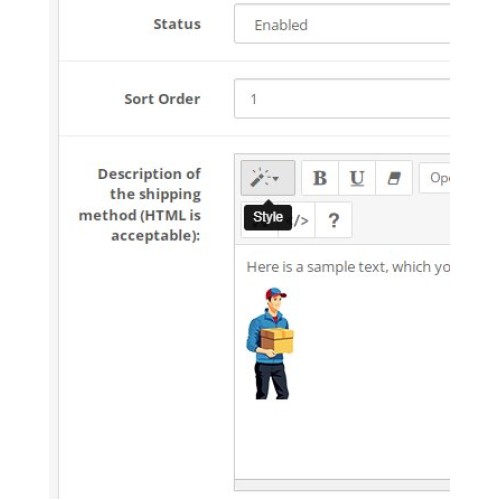
Scroll down – you’ll see a new field with the Summernote editor.
Enter your text, insert images, links, or any HTML content.
Save the settings.
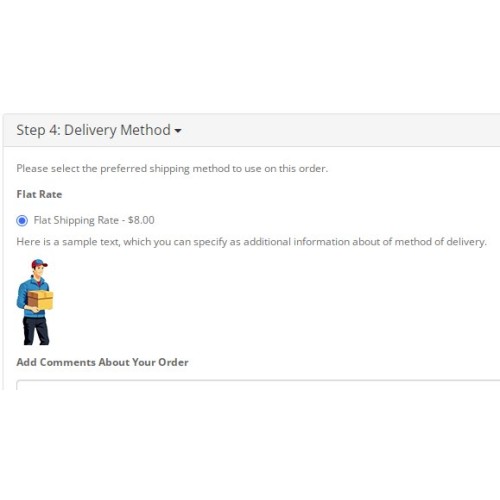
On the storefront, the description will appear under the shipping method name during checkout.
Important Notes
The shipping step (and therefore the description) will not appear if none of the products in the cart require shipping. Ensure the “Requires Shipping” option is enabled for your products.
If you use a custom theme, copy the relevant shipping-description block from default/template/checkout/shipping_method.twig into your theme’s equivalent file.
Summernote is usually pre-installed in OpenCart 3; no additional uploads are needed.
Changelog
0.0.1
Initial public release.
Summernote editor added for all shipping methods.
Multi-language editor tooltips.
Description output in the default checkout flow.
Support & Contact
For questions, custom modifications, or bug reports, please contact: fabrikator@yourdomain.com
If you find this module useful, a rating or review is always appreciated
Version: 0.0.1
Author: Fabrikator
Compatibility: OpenCart 3.0.x (tested on 3.0.5.0)
Description
This module adds a full HTML description field with a Summernote WYSIWYG editor to every shipping method. You can now place any additional information – text, images, links, tables, videos, and more – right under the shipping method title during checkout.
Works exactly like the popular "Universal Payment Description" module, but fully adapted for shipping methods. No core file modifications – everything is done via OCMOD.
Features
Summernote Editor – a lightweight, intuitive visual editor inside each shipping method settings page.
Individual descriptions – set unique HTML content for every active shipping method (Flat Rate, Free Shipping, Pickup, etc.).
Multi-language ready – Summernote interface language automatically switches to match the admin’s language (English, Russian, and others supported out of the box).
Smart output – description is only displayed if it contains meaningful content (empty <p><br></p> is ignored).
OCMOD only – no core files are touched; easy to install, easy to remove.
Theme independent – inserts into the default checkout template; easily adaptable to any custom theme.
Zero conflicts – fully independent code; can be used alongside the "Universal Payment Description" module without issues.
Installation
Download the module archive.
Go to your OpenCart admin → Extensions → Installer.
Click Upload and select universal_shipping_description_summernote_3.ocmod.zip.
After upload, go to Extensions → Modifications and click the Refresh button (blue icon).
Clear your store cache (Dashboard → Clear Cache).
Configure descriptions: go to Extensions → Shipping, edit any shipping method, and fill in the "Description of the shipping method" field.
Usage
Open any active shipping method (e.g., Flat Rate).
Scroll down – you’ll see a new field with the Summernote editor.
Enter your text, insert images, links, or any HTML content.
Save the settings.
On the storefront, the description will appear under the shipping method name during checkout.
Important Notes
The shipping step (and therefore the description) will not appear if none of the products in the cart require shipping. Ensure the “Requires Shipping” option is enabled for your products.
If you use a custom theme, copy the relevant shipping-description block from default/template/checkout/shipping_method.twig into your theme’s equivalent file.
Summernote is usually pre-installed in OpenCart 3; no additional uploads are needed.
Changelog
0.0.1
Initial public release.
Summernote editor added for all shipping methods.
Multi-language editor tooltips.
Description output in the default checkout flow.
Support & Contact
For questions, custom modifications, or bug reports, please contact: fabrikator@yourdomain.com
If you find this module useful, a rating or review is always appreciated
Price
$30.00
- Developed by OpenCart Community
- Documentation Included
Rating
Compatibility
3.0.0.0, 3.0.1.0, 3.0.1.1, 3.0.1.2, 3.0.1.3, 3.0.2.0, 3.0.3.0, 3.0.3.1, 3.0.3.2, 3.0.3.3, 3.0.3.5, 3.0.3.6, 3.0.3.7, 3.0.3.8, 3.x.x.x, 3.0.3.9, 3.0.4.0, 3.0.4.1, 3.0.5.0
Last Update
29 May 2026
Created
29 May 2026
0 Sales
0 Comments

Login and write down your comment.
Login my OpenCart Account