Add product image in "Orders" in Account
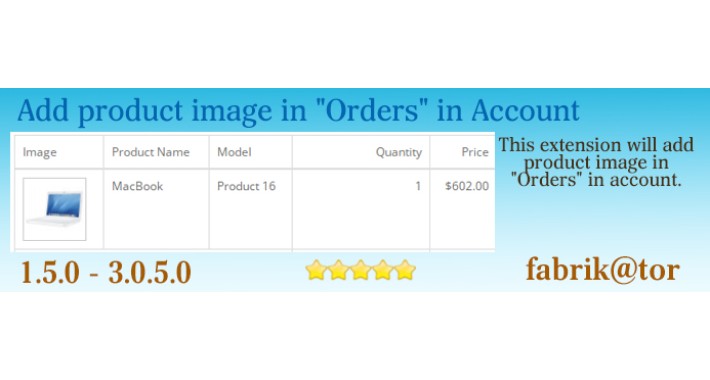
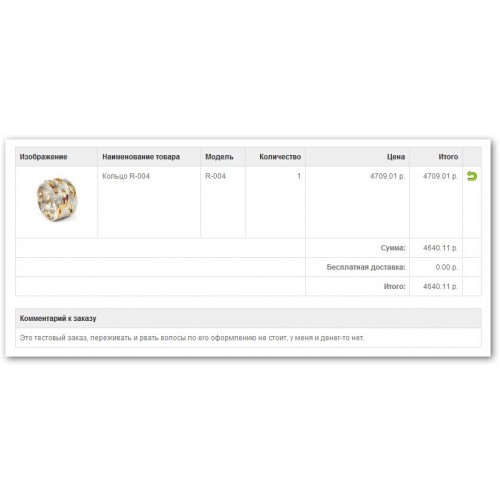
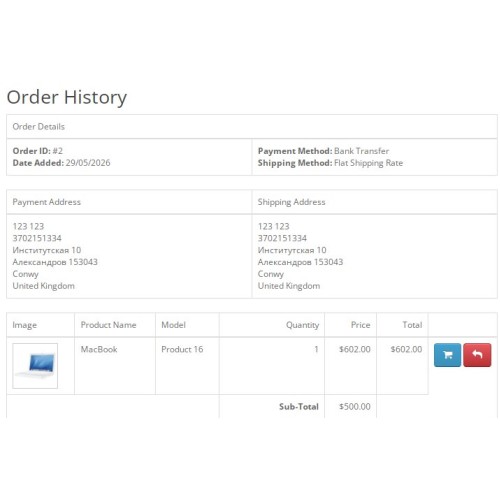
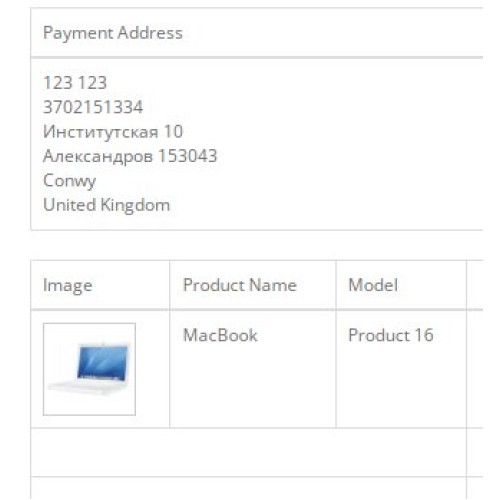
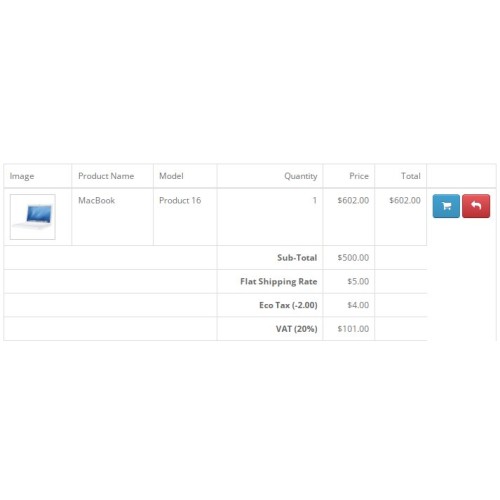
This extension will add product image in "Orders" in account.
For work this add-on correctly you should have installed module Vqmod.
The archive is a file with English and Russian. if you want to translate into your language, please read the documentation.
--------------------------------------------------------------------------
Add Product Images to Order Info Page (Account)
Full Description
This lightweight extension enhances the customer experience by displaying product thumbnails directly on the order information page in the front‑end account section. By default, OpenCart only shows product names, models, quantities, and prices – this module adds a new “Image” column with a 65×65 pixel thumbnail for each ordered product.
Features
Adds an “Image” column next to the product name in the order details table.
Automatically resizes product images to 65×65 pixels (easily adjustable in the controller).
Uses the standard OpenCart image placeholder (no_image.png) if a product has no image.
Fully compatible with OCmod – no core file modification, no vQmod needed.
Works with both default and custom themes (as long as they follow standard Twig templates).
Supports multi‑language: includes English and Russian language strings out of the box (adding other languages is trivial).
Benefits for your store
Gives customers a quick visual reference of what they ordered.
Improves usability and reduces support requests (“Which product was that again?”).
Clean and simple – adds exactly one database join and minimal overhead.
Compatibility
OpenCart 3.0.x, 3.1.x, 3.2.x, 4.x? (OC3 only, not tested on OC4)
PHP 7.x – 8.x
Default or custom themes that use catalog/view/theme/*/template/account/order_info.twig
Installation
Download the XML file.
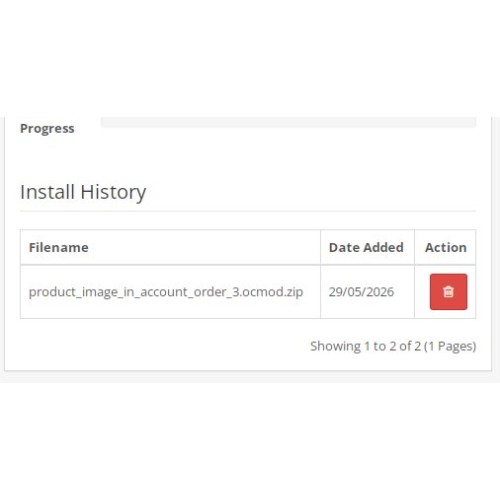
In your OpenCart admin panel, go to Extensions → Installer.
Click Upload and select the downloaded XML file.
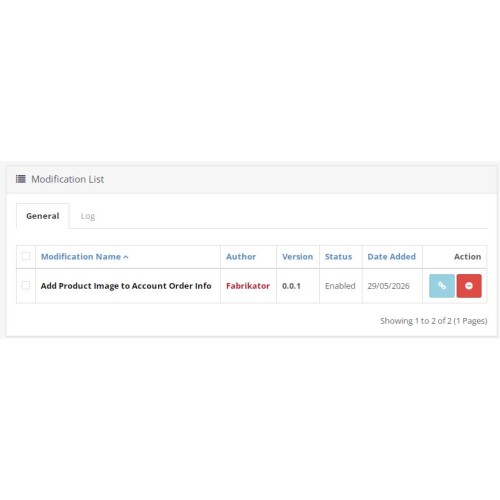
After upload, go to Extensions → Modifications and click the blue Refresh button.
Clear the cache: System → Settings → click the Clear cache button (top right corner of the admin panel).
Done. Visit any completed order in your front‑end account area to see the new image column.
Customisation
To change thumbnail size, edit the resize() parameters inside catalog/controller/account/order.php (look for 65, 65).
To modify the table layout, edit the Twig file via OCmod or directly in your theme.
Notes
The module requires that your theme uses the standard order_info.twig structure. If you have a heavily customised theme, you may need to adjust the search patterns in the XML file.
The module does not alter any core files – all changes are applied via OCmod.
Support
For questions or custom adjustments, feel free to contact the author via the marketplace messaging system.
For work this add-on correctly you should have installed module Vqmod.
The archive is a file with English and Russian. if you want to translate into your language, please read the documentation.
--------------------------------------------------------------------------
Add Product Images to Order Info Page (Account)
Full Description
This lightweight extension enhances the customer experience by displaying product thumbnails directly on the order information page in the front‑end account section. By default, OpenCart only shows product names, models, quantities, and prices – this module adds a new “Image” column with a 65×65 pixel thumbnail for each ordered product.
Features
Adds an “Image” column next to the product name in the order details table.
Automatically resizes product images to 65×65 pixels (easily adjustable in the controller).
Uses the standard OpenCart image placeholder (no_image.png) if a product has no image.
Fully compatible with OCmod – no core file modification, no vQmod needed.
Works with both default and custom themes (as long as they follow standard Twig templates).
Supports multi‑language: includes English and Russian language strings out of the box (adding other languages is trivial).
Benefits for your store
Gives customers a quick visual reference of what they ordered.
Improves usability and reduces support requests (“Which product was that again?”).
Clean and simple – adds exactly one database join and minimal overhead.
Compatibility
OpenCart 3.0.x, 3.1.x, 3.2.x, 4.x? (OC3 only, not tested on OC4)
PHP 7.x – 8.x
Default or custom themes that use catalog/view/theme/*/template/account/order_info.twig
Installation
Download the XML file.
In your OpenCart admin panel, go to Extensions → Installer.
Click Upload and select the downloaded XML file.
After upload, go to Extensions → Modifications and click the blue Refresh button.
Clear the cache: System → Settings → click the Clear cache button (top right corner of the admin panel).
Done. Visit any completed order in your front‑end account area to see the new image column.
Customisation
To change thumbnail size, edit the resize() parameters inside catalog/controller/account/order.php (look for 65, 65).
To modify the table layout, edit the Twig file via OCmod or directly in your theme.
Notes
The module requires that your theme uses the standard order_info.twig structure. If you have a heavily customised theme, you may need to adjust the search patterns in the XML file.
The module does not alter any core files – all changes are applied via OCmod.
Support
For questions or custom adjustments, feel free to contact the author via the marketplace messaging system.
Price
$25.00
- Developed by OpenCart Community
- Documentation Included
Rating
Compatibility
3.0.0.0, 3.0.1.0, 3.0.1.1, 3.0.1.2, 3.0.1.3, 3.0.2.0, 3.0.3.0, 3.0.3.1, 3.0.3.2, 3.0.3.3, 3.0.3.5, 3.0.3.6, 3.0.3.7, 3.0.3.8, 3.x.x.x, 3.0.3.9, 3.0.4.0, 3.0.4.1, 3.0.5.0, 1.5.0, 1.5.0.1, 1.5.0.2, 1.5.0.3, 1.5.0.4, 1.5.0.5, 1.5.1, 1.5.1.1, 1.5.1.2, 1.5.1.3, 1.5.2, 1.5.2.1, 1.5.3, 1.5.3.1, 1.5.4, 1.5.4.1
Last Update
6 Jun 2026
Created
18 Sep 2012
2 Sales
0 Comments

Login and write down your comment.
Login my OpenCart Account